





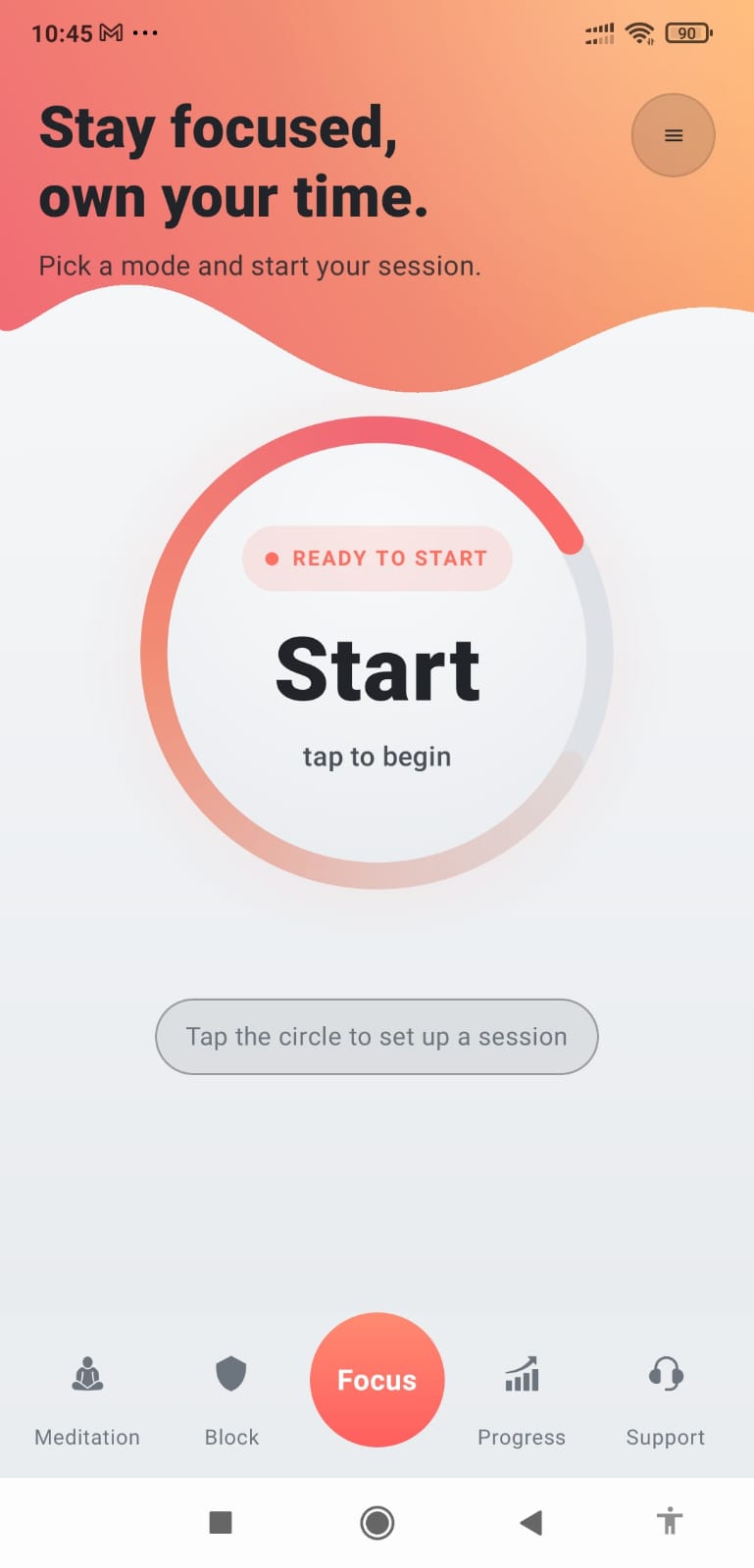
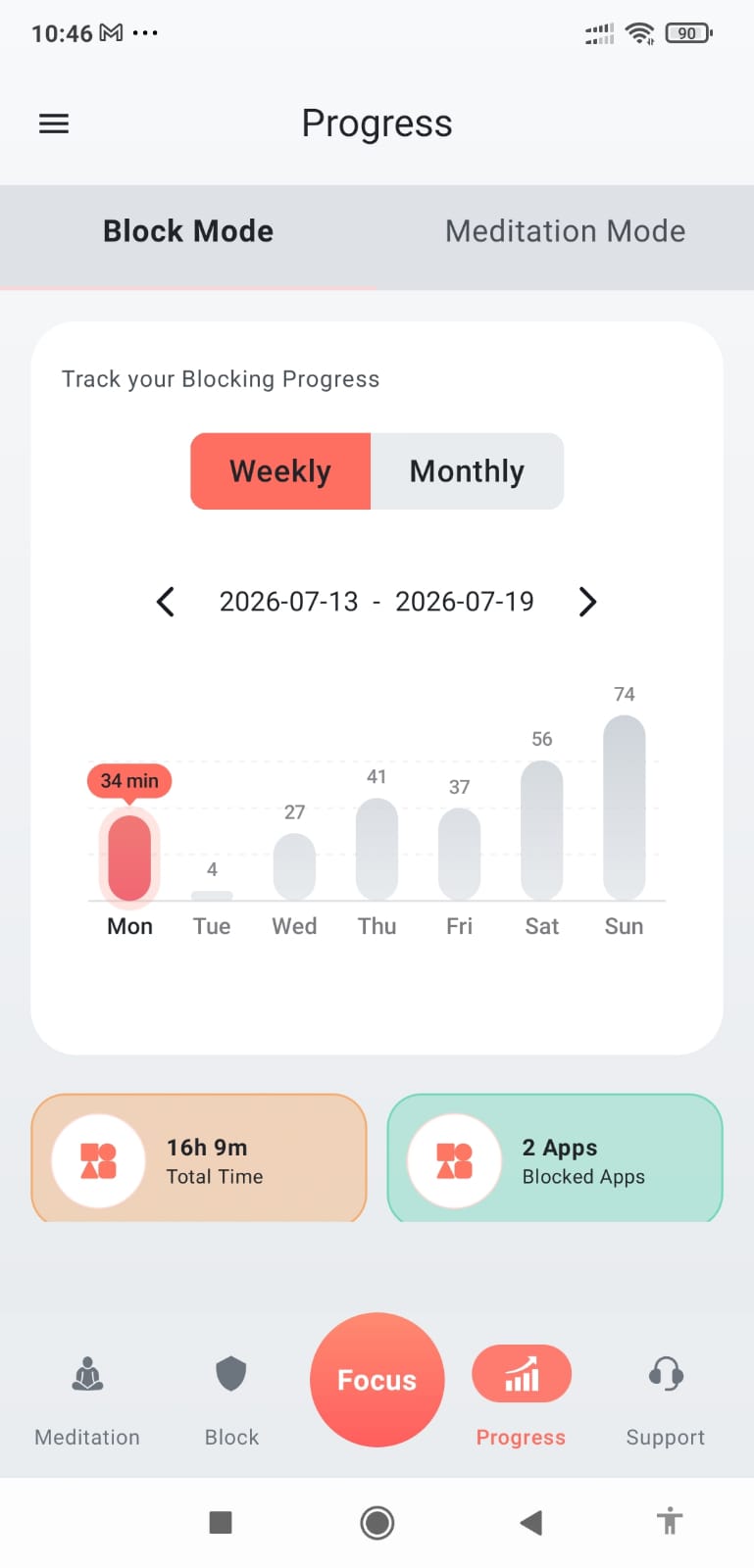
One timer.
Two meaningful purposes.
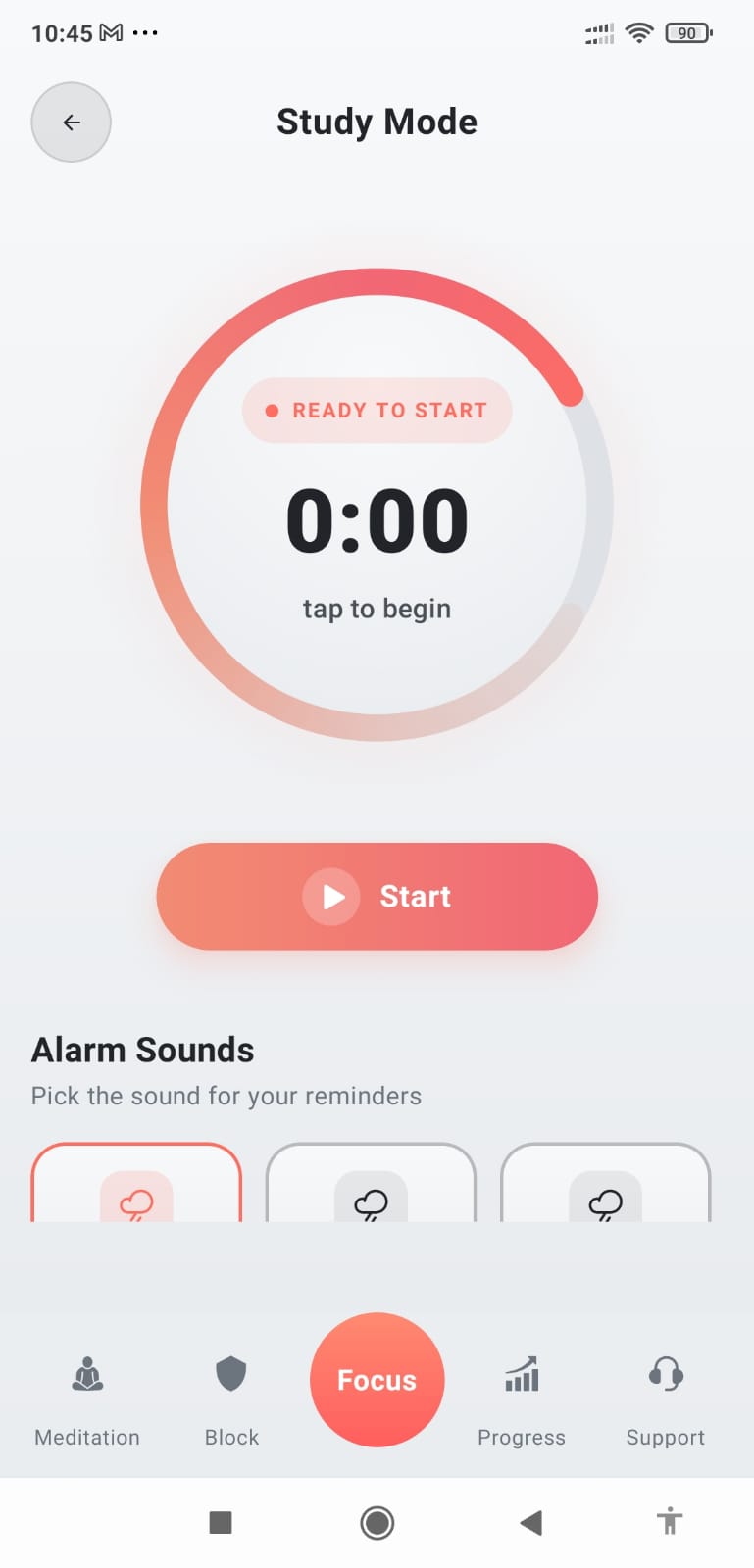
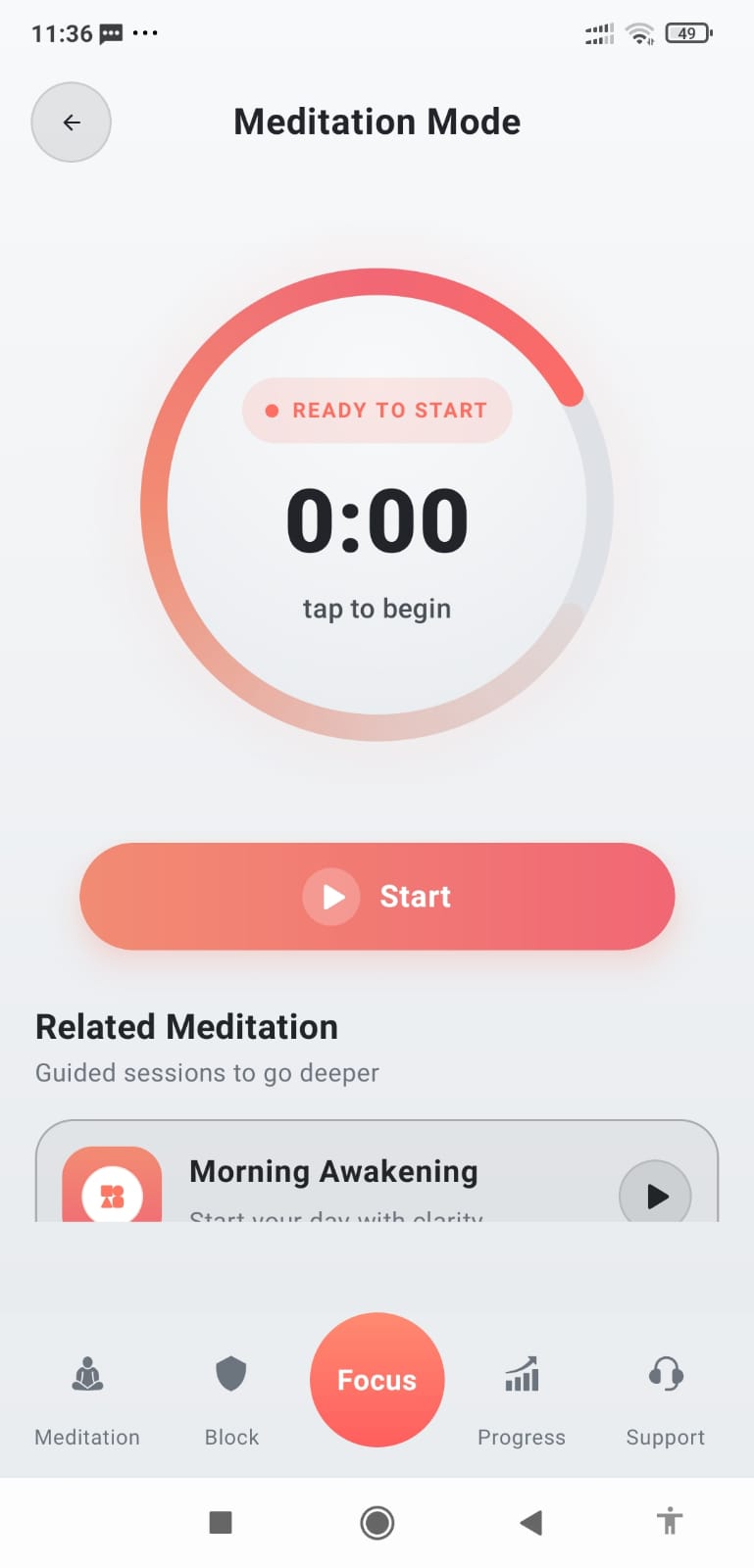
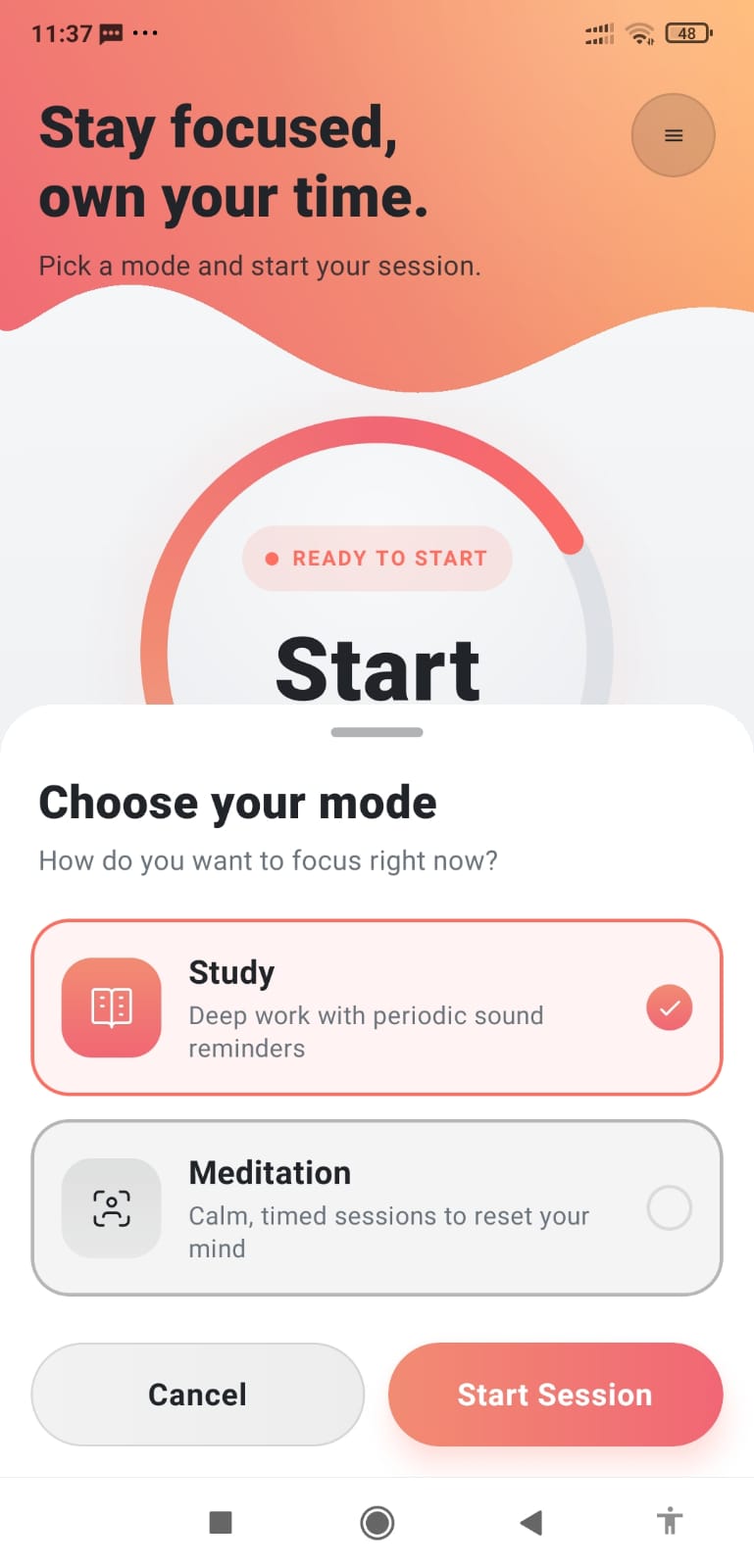
Study Mode and Meditation Mode use the timer differently because concentration and meditation need different kinds of support.
Focus
Get Focus
Focus brings distraction blocking, intentional study sessions, meditation, and progress tracking together in one calm experience.
Focus brings app blocking, a distraction-aware study timer, meditation, and progress tracking into one simple experience.
Focus is designed to help you notice distraction, create intentional boundaries, meditate consistently, and see how your time is changing.
Study Mode and Meditation Mode use the timer differently because concentration and meditation need different kinds of support.
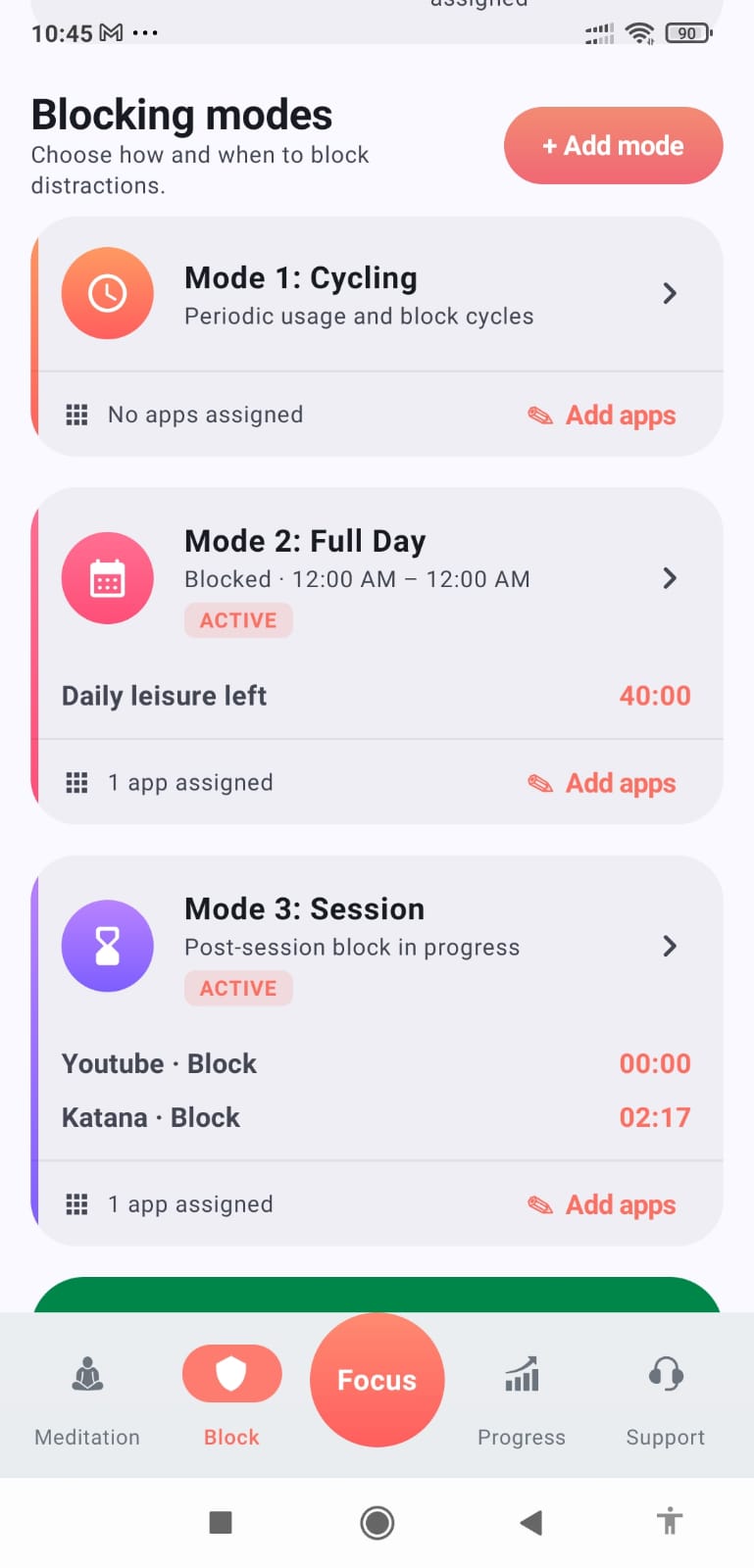
Choose Cycling, Full Day, or Session-by-Session blocking to put intentional limits around distracting apps.
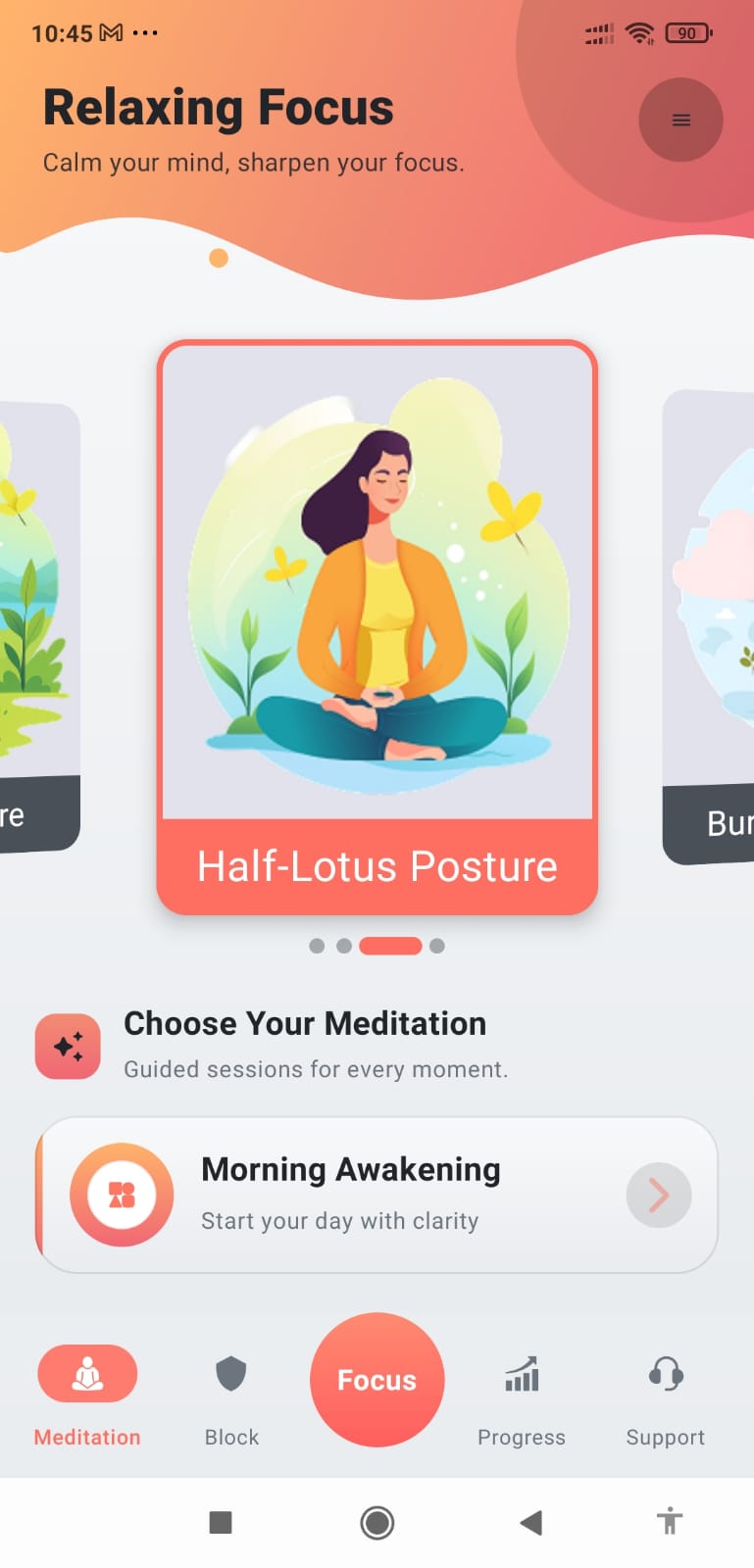
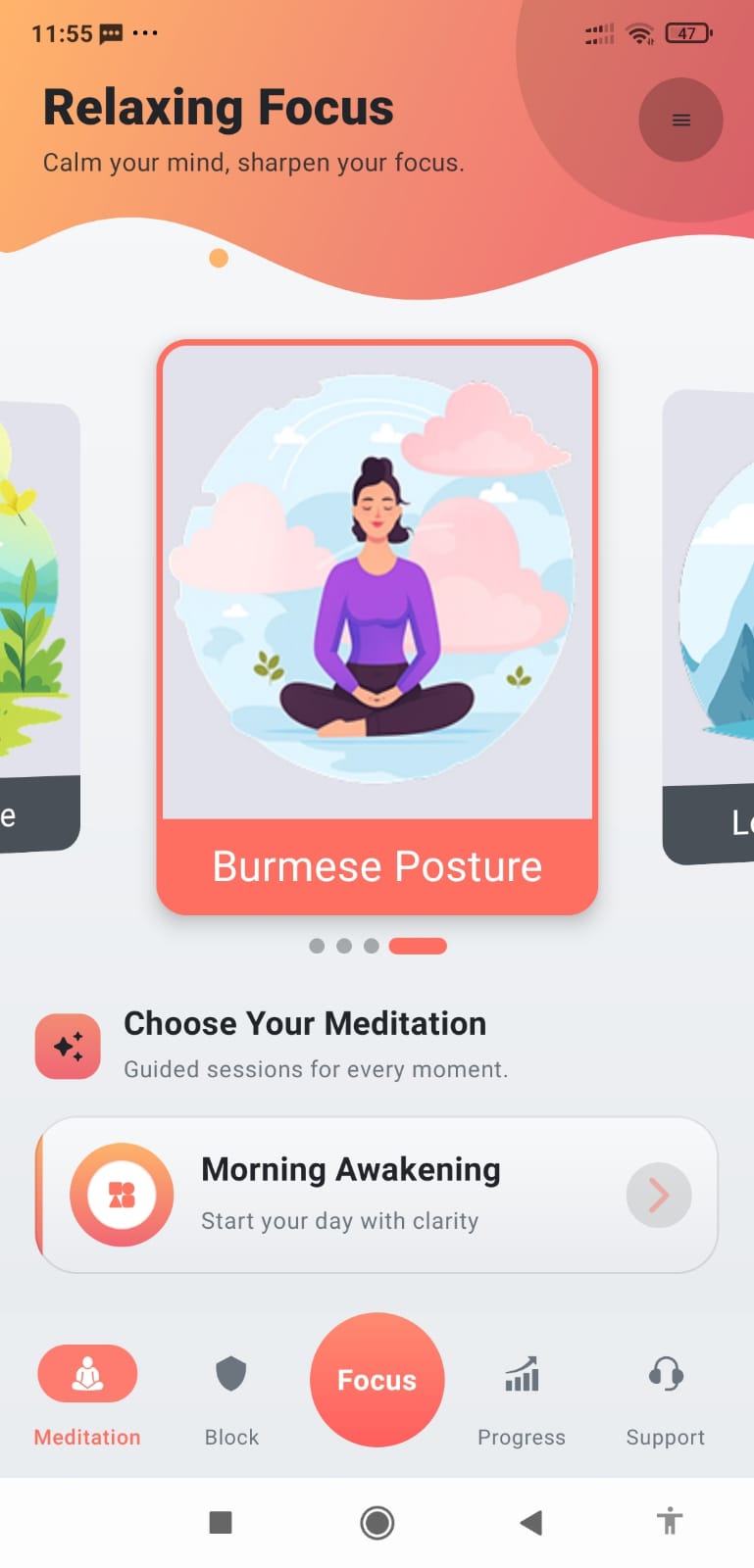
Explore animated postures, guided meditation introductions, written instructions, and a silent meditation timer.
Track focused activity, blocking progress, meditation time, streaks, charts, and more.
Focus does not treat studying and meditation as the same activity. Each mode is built around what you need at that moment.
When we sit down to study, our minds can drift to many things. Sometimes we do not even notice it. Study Mode lets you set an interval and gives a small sound at that interval.
The sound is a reminder to check yourself: “Am I still studying, or did I get distracted?” If your attention wandered, refocus on the work.
Meditation Mode is a separate, silent timer. Its purpose is to calculate how long you meditate so you can build a record of your practice.
No reminder sounds. No study prompts. Just quiet meditation and the time you actually spent practicing.
Different situations need different boundaries. Focus gives you flexible ways to interrupt automatic scrolling.
When it is time to focus, Focus can block the social and entertainment apps that pull your attention away.
Use social media for a chosen period, then take a deliberate block period. Later rounds can use shorter cycles.
Usage → Break → RepeatBlock selected distracting apps for the day, with optional leisure time that can be split into smaller sessions.
A day with boundariesEvery time you open a selected social app, decide how long you want to use it and how long to be blocked afterward.
You decide each time
Focus brings meditation and concentration together. Browse animated postures, choose a guided session, follow the instructions, and continue into a quiet meditation timer.
Explore the real screens from the Focus app—from meditation and app blocking to progress and Premium Support.


That is what Focus is built to help you do.
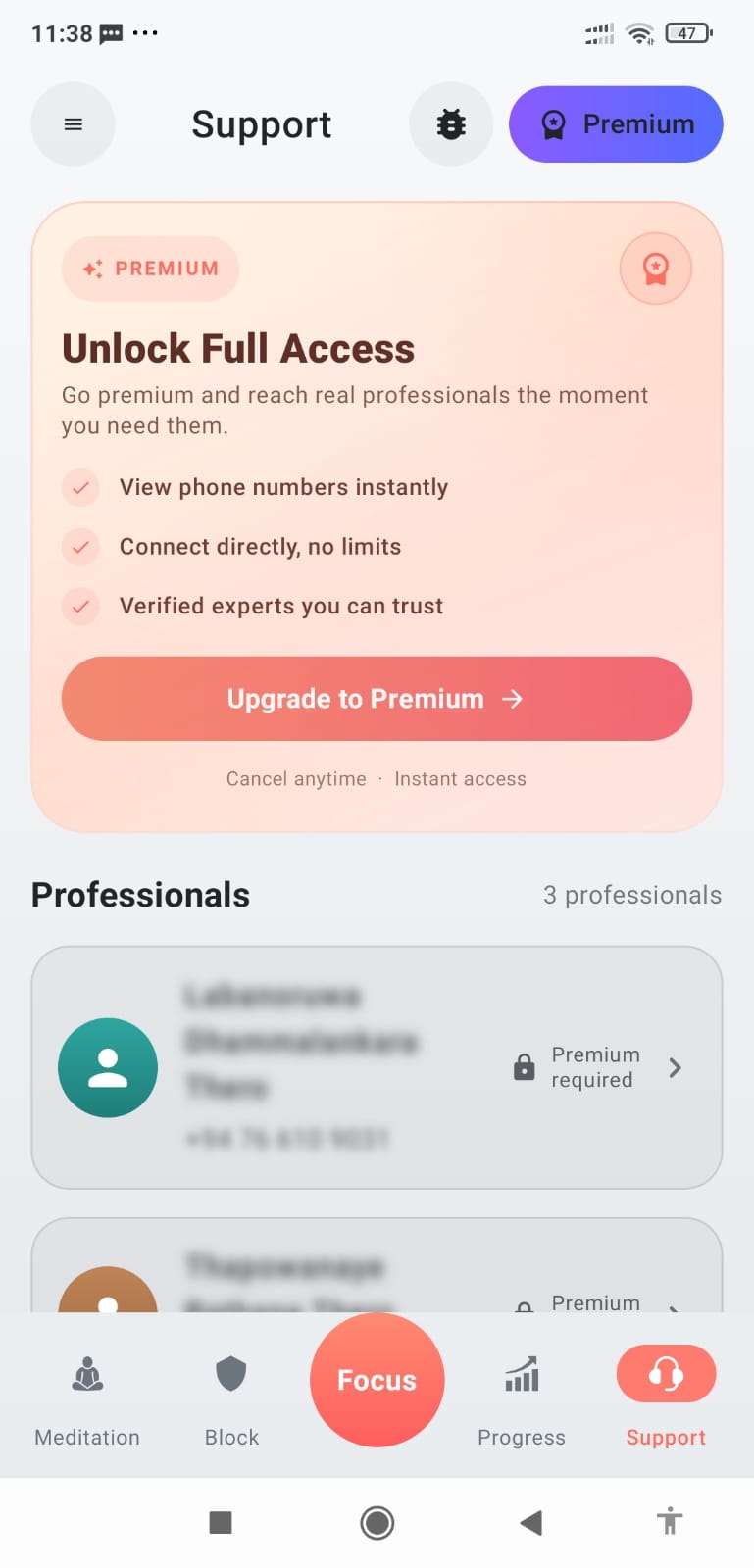
The Focus Support tab is designed to provide lifetime access to listed meditation teachers, including future additions, according to the supplied terms.